Software projects from Temet
Projects
from
Temet.
Temet is building several software projects. Radar is one of them: a terminal workspace for GitLab, GitHub, Jira, Slack and local Git.
View RadarRadar.
Radar gives GitLab, GitHub, Jira, Slack and local Git their own terminal screens. Repositories groups merge requests by repo and shows pipeline state and review work.
Read the user guide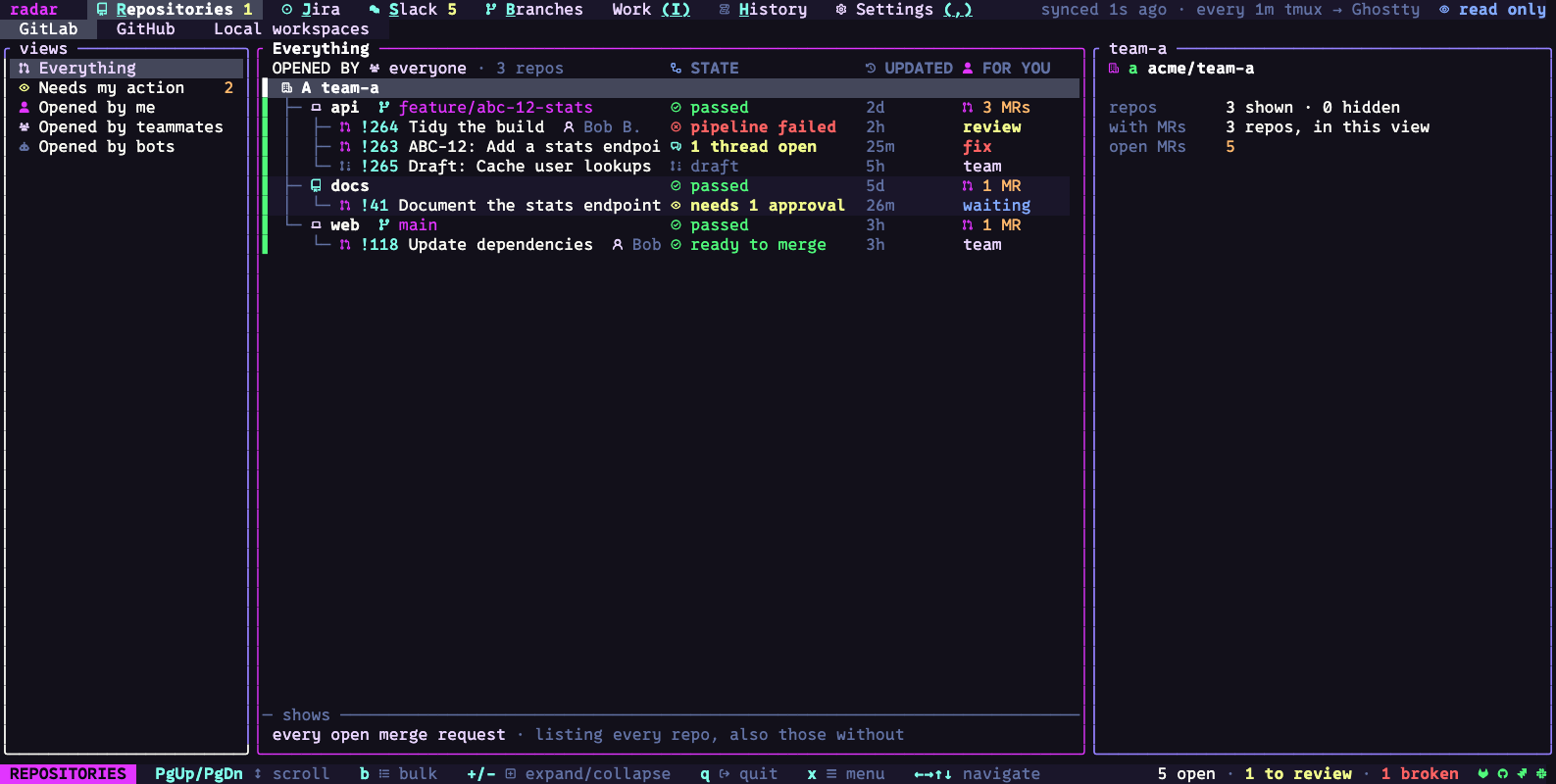
A linked ticket and review
From issue
to checkout.
A Jira ticket can show its linked review. The review can show where its branch is checked out locally.
Open a Jira ticket
See the ticket's status, discussion and linked merge request.
Go to its review
Open the linked merge request and check its pipeline, threads and approval state.
Find the checkout
See whether the branch is already on your machine, then open it from Radar.
Connect only
what you use.
GitLab, GitHub, Jira, Slack and local Git each have a screen. Connect the services you use; local Git and Work still run on their own.
Start an agent
from a row.
Select a merge request, ticket, Slack message or branch and start Claude Agent, Codex or Copilot. Radar passes the item’s details to the agent and shows requests in its dock.
How agent sessions workGuide and notes.
Install with a local Git checkout, or read why we built it.
Install Radar.
Open a branch.
Radar runs in a terminal on macOS and Linux. The quickstart uses a local Git checkout; GitLab, GitHub, Jira and Slack can wait.
View releases Read the quickstart →