Connect Jira
The common connection fields are described in Connect services.
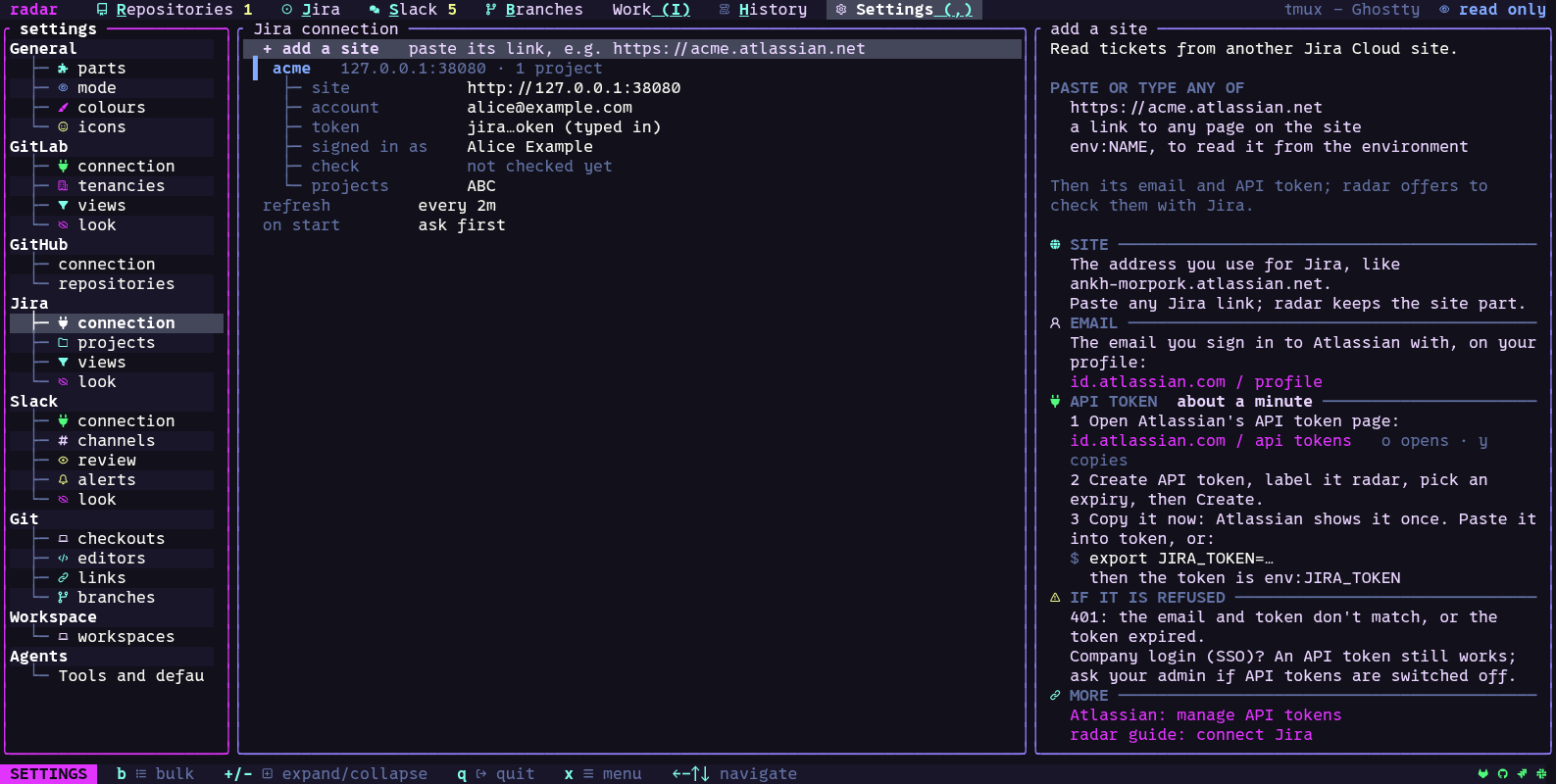
radar works with Jira Cloud sites. You need your site, the email of your Atlassian account and an Atlassian API token (created in your Atlassian account settings).
- Settings, Jira, connection: give the site (
https://acme.atlassian.net, or any link on the site), the email and the token. Each can beenv:NAME. - Settings, Jira, projects: the project keys you follow, under each site.
ppicks from the projects you looked at lately on Jira. - Settings, Jira, views: each view is a saved query (JQL). The Jira screen shows one view at a time.
You can add more than one site. Each is one block in the connection section.