1. First run
Start radar:
radar
radar opens full screen in your terminal. For a moment a radar sweep finds each part it has, with what each holds for you, and a new line greets you each start.
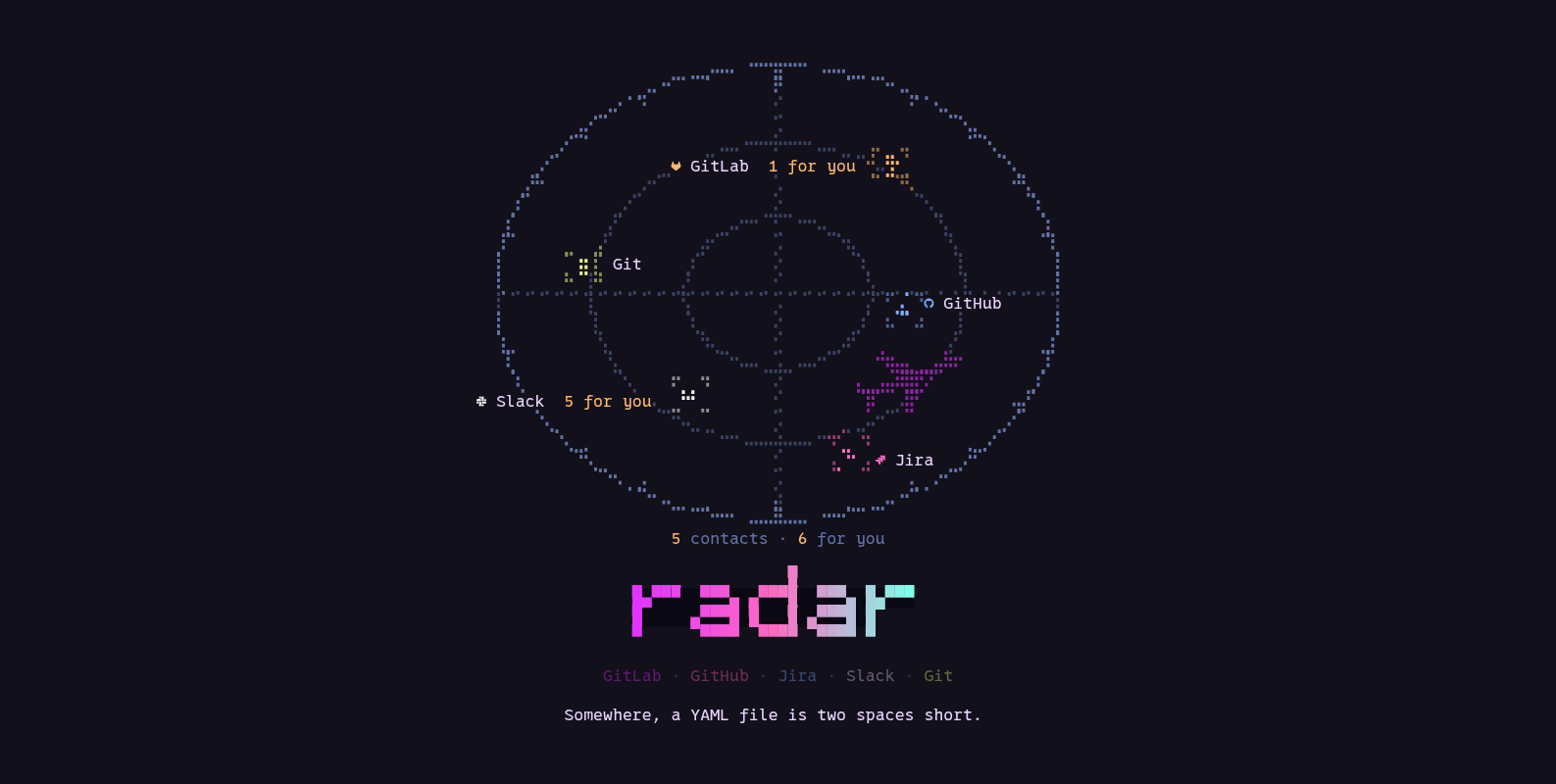
Any key skips it, and the screen under it takes that key. Skipped in the first second and a
half, its line shows on the status line for a few seconds instead. Terminals that can draw
pictures (kitty’s graphics) get a sharper, pixel-drawn scope. splash under Settings,
General, colours turns it off.
Setup
The first time (when there is no config file), radar walks you through setup. Each step is
one page: what you choose on the left, help for that step on the right, and step n of m
at the top. Nothing is sent to a service until you connect it.
-
Welcome. What radar is and what setup will do. Choose
yes, let's set it up, ornot nowto go straight to radar. -
Look for keys? radar asks whether it may look for keys you already have. It reads the names of variables such as
GITLAB_TOKENandJIRA_…, and whether the sign-in files ofglab,gh,claudeandcodexexist, not their contents. Chooseyes, lookorno thanks. It asks every time setup runs.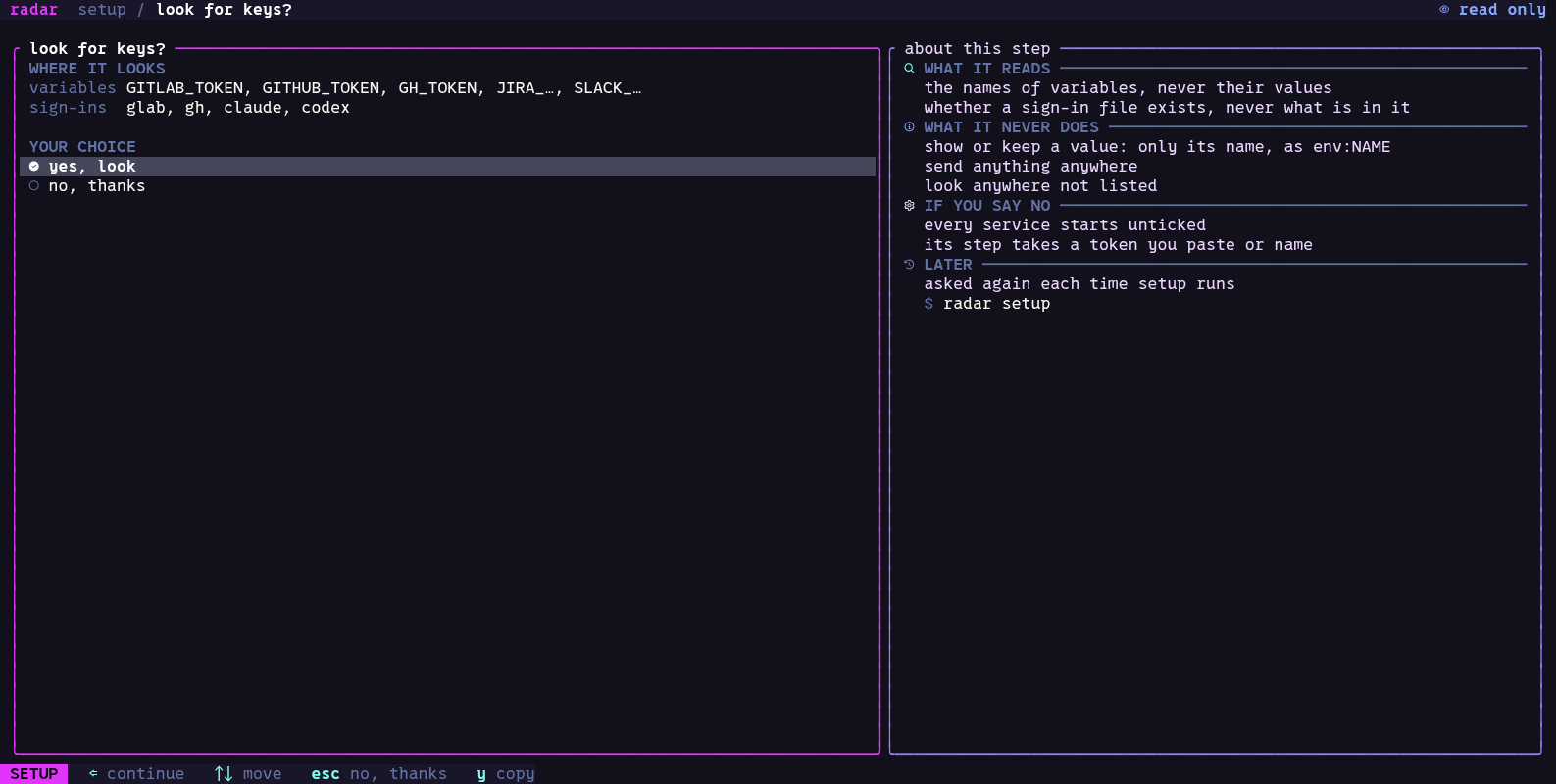
-
Choose. A list of what can be set up, under this machine, services, agents and optional. What the look found is ticked already.
spaceticks a row,aticks all,nnone;⏎starts at the row you are on, one step for each tick.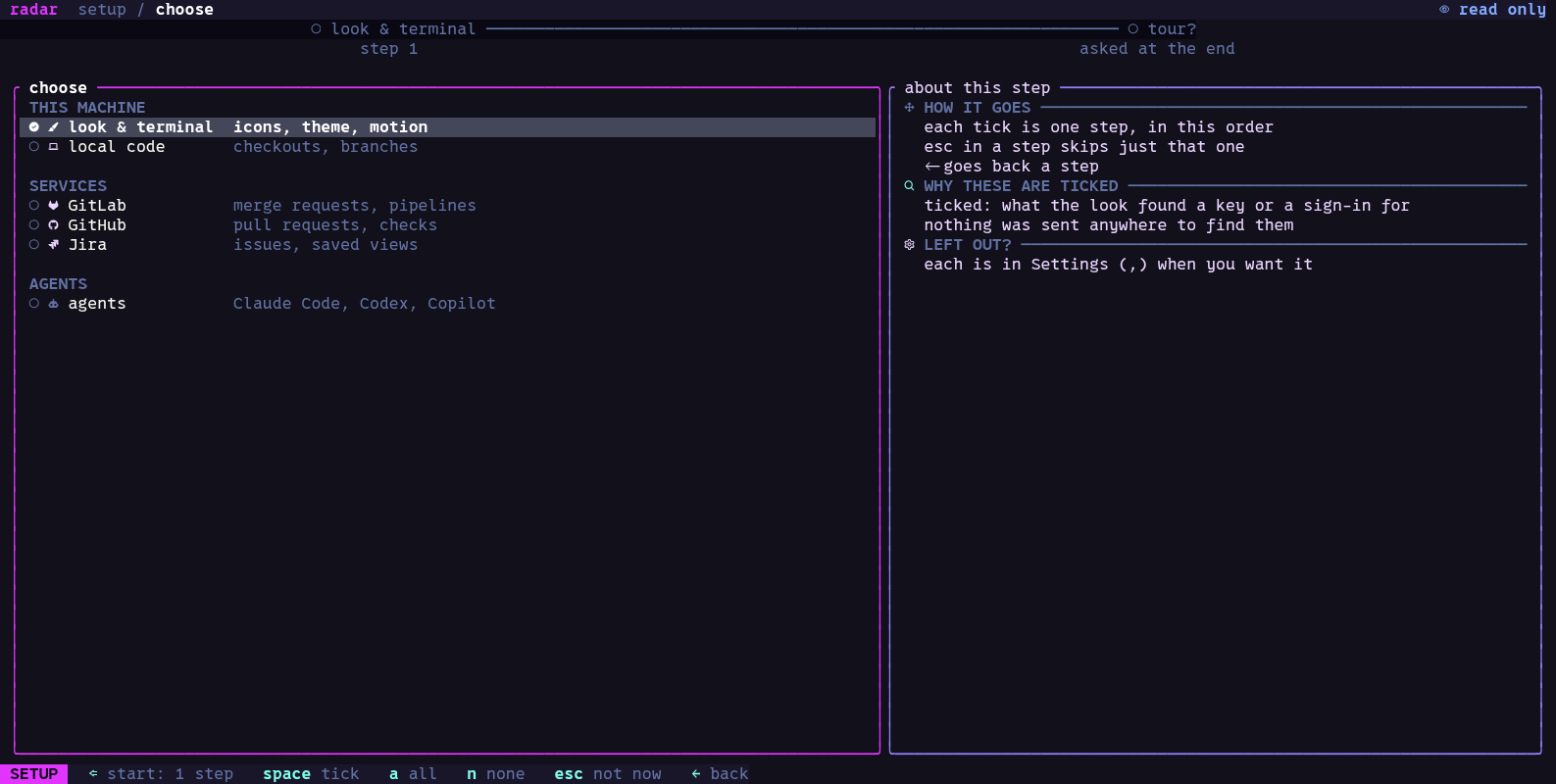
-
One step per tick, in the list’s order:
-
Local code: the folders radar looks in for your Git checkouts. It offers folders it finds, such as
~/projects. -
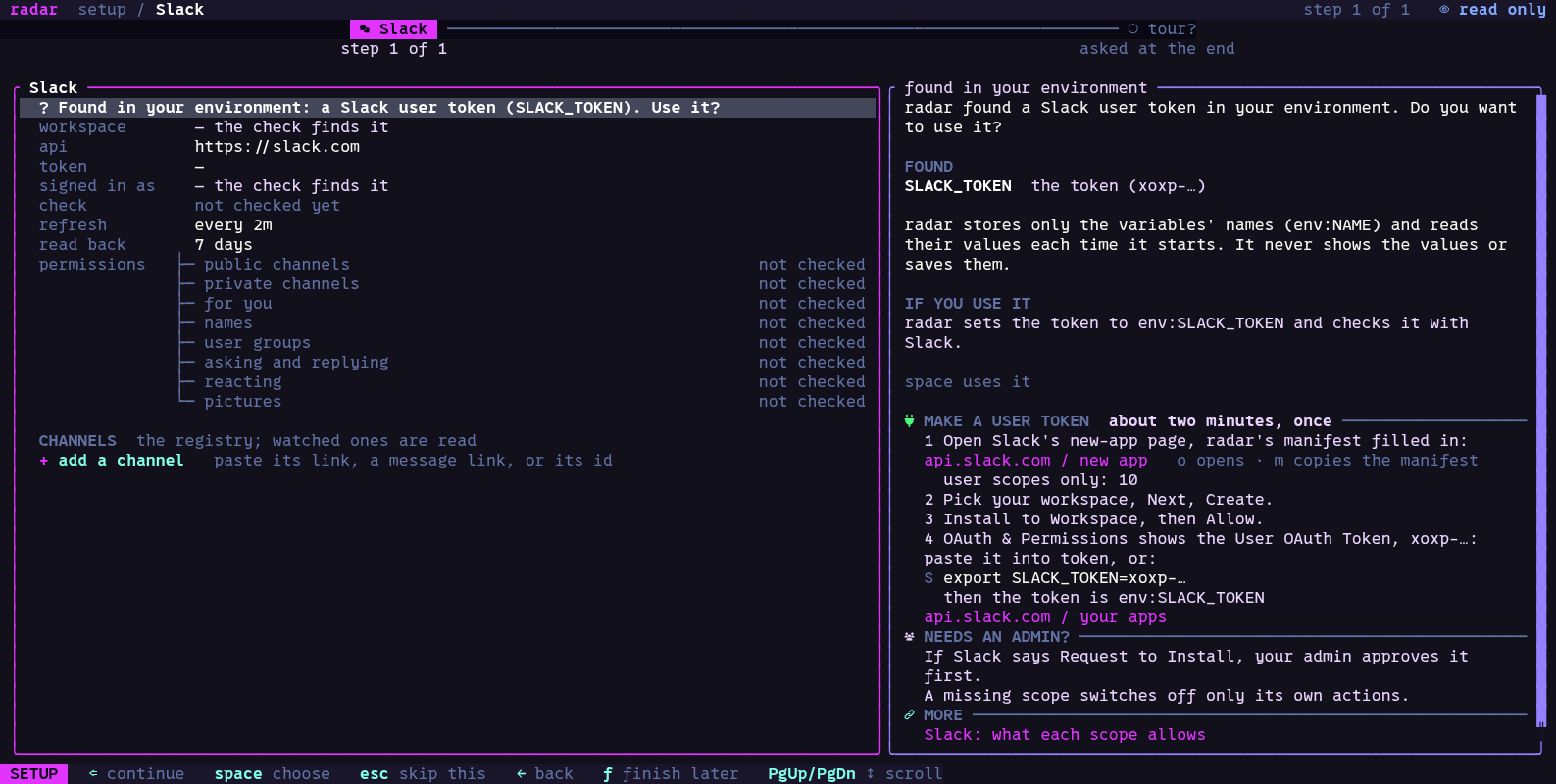
Each service you ticked: its connection section from Settings, the same fields, with help beside it on how to get a token. Connect your services has each one in full.
-
Agents: which of Claude Code, Codex and Copilot are installed and signed in, and which one new sessions use (Agents).
-
Look & terminal: what radar found about your terminal, then the icons (
nerdneeds a Nerd Font;plainworks in any font), the theme, and how much motion.spaceapplies a choice at once.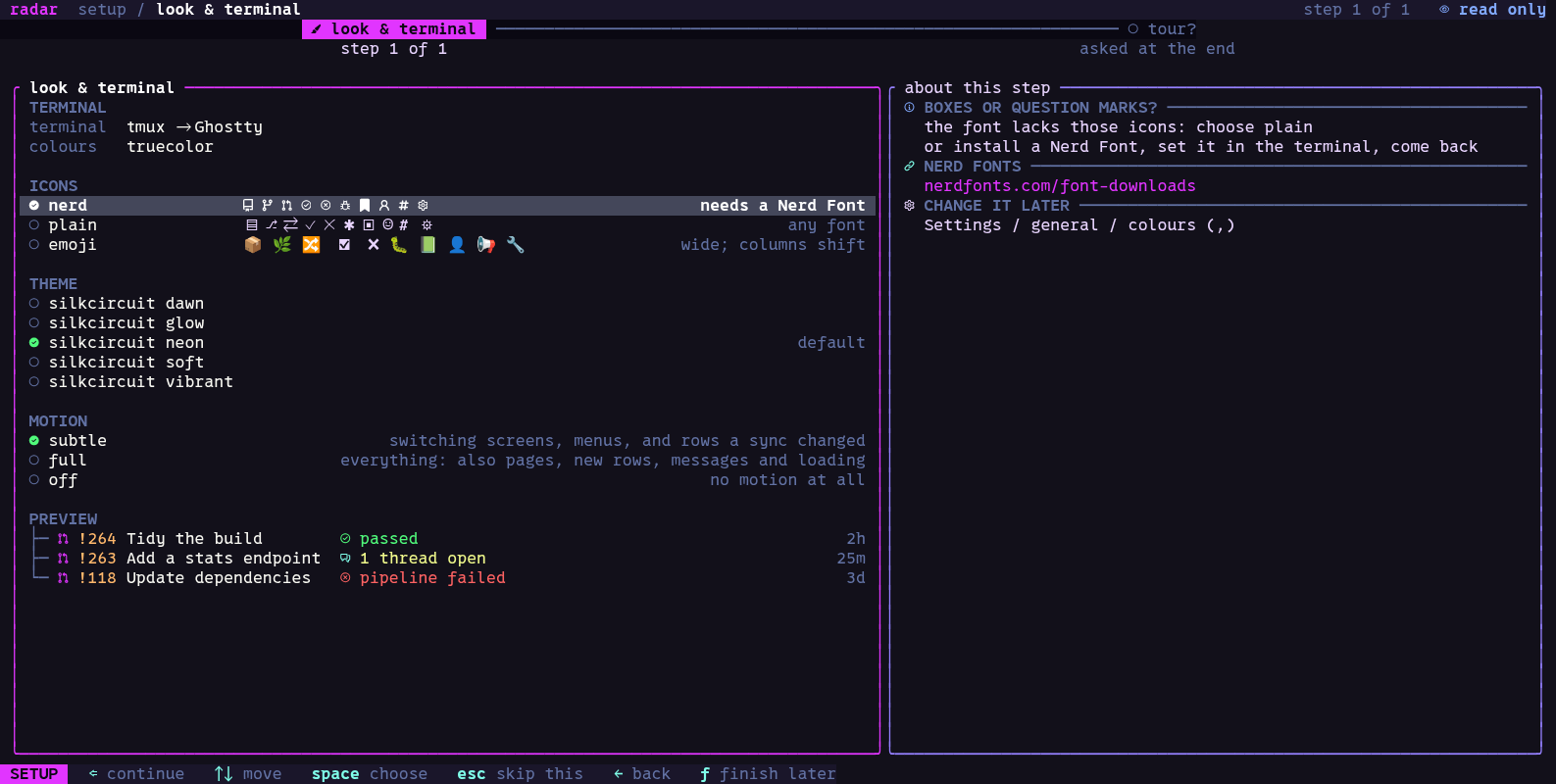
-
-
Mode. Which writes radar may send: read only, write or edit (the mode). Every setup ends with this step, and it cannot be skipped.
-
Ready. What was set up, where the config is saved, and the mode. Ready offers a short tour of the screens;
radar setup tourshows it again.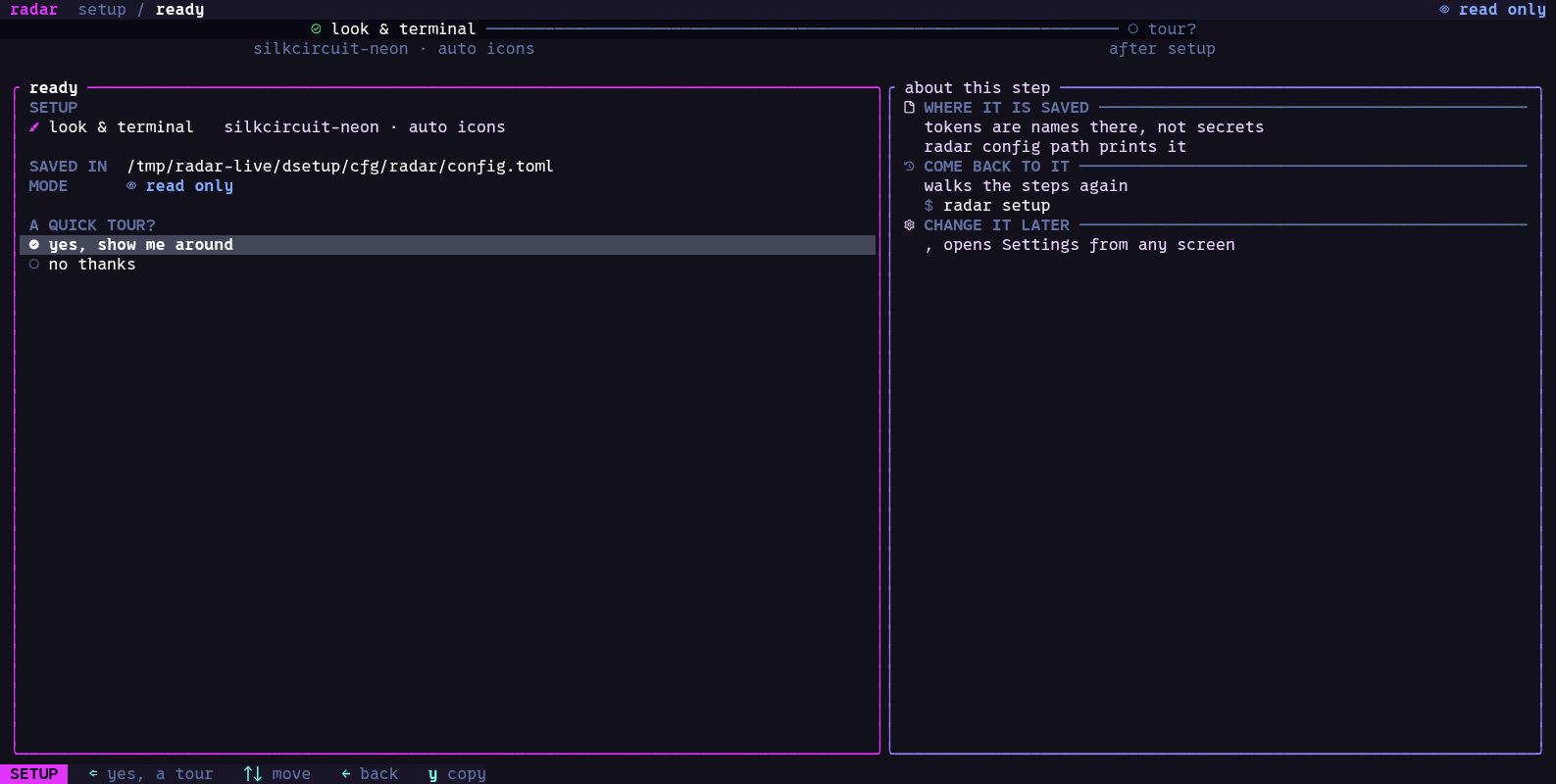
esc skips a step, ← goes back one, and f leaves setup and keeps your answers; the
status line then says where you stopped. The rest of setup’s keys are in
Keys.
A part you have not set up says so on its screen; s there walks its setup step, and ⏎
opens its section in Settings. Run setup again whenever you like, or open one step on its
own:
radar setup            # from the start
radar setup gitlab     # one step: welcome, scan, choose, look, local, gitlab, github,
                       # jira, slack, agents, mode, ready, tour
Everything setup sets is also in Settings (,).